How to Master Cross-Platform VR Gaming: Complete Guide
Learn how to play VR games across multiple platforms seamlessly. Discover compatibility requirements, hardware setup, and strategies for maximizing your
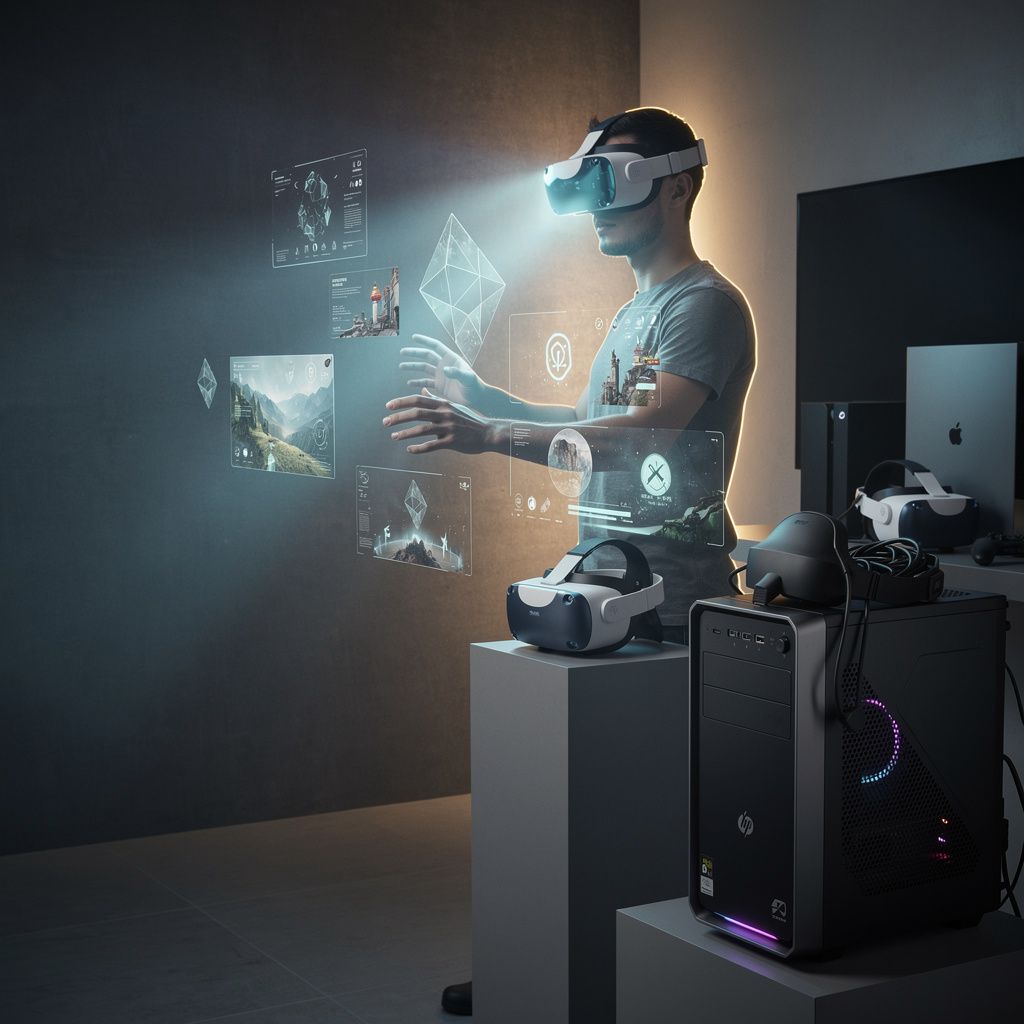
Cross-platform VR gaming represents a fundamental shift in how virtual reality experiences are accessed and shared across different hardware ecosystems. Rather than being confined to a single headset or device manufacturer, players can now engage with VR content across PC-based systems, standalone headsets, and console platforms, often with synchronized progress and shared multiplayer environments. This interconnectedness eliminates traditional platform silos and creates a more unified gaming landscape where hardware choice doesn't dictate game availability.
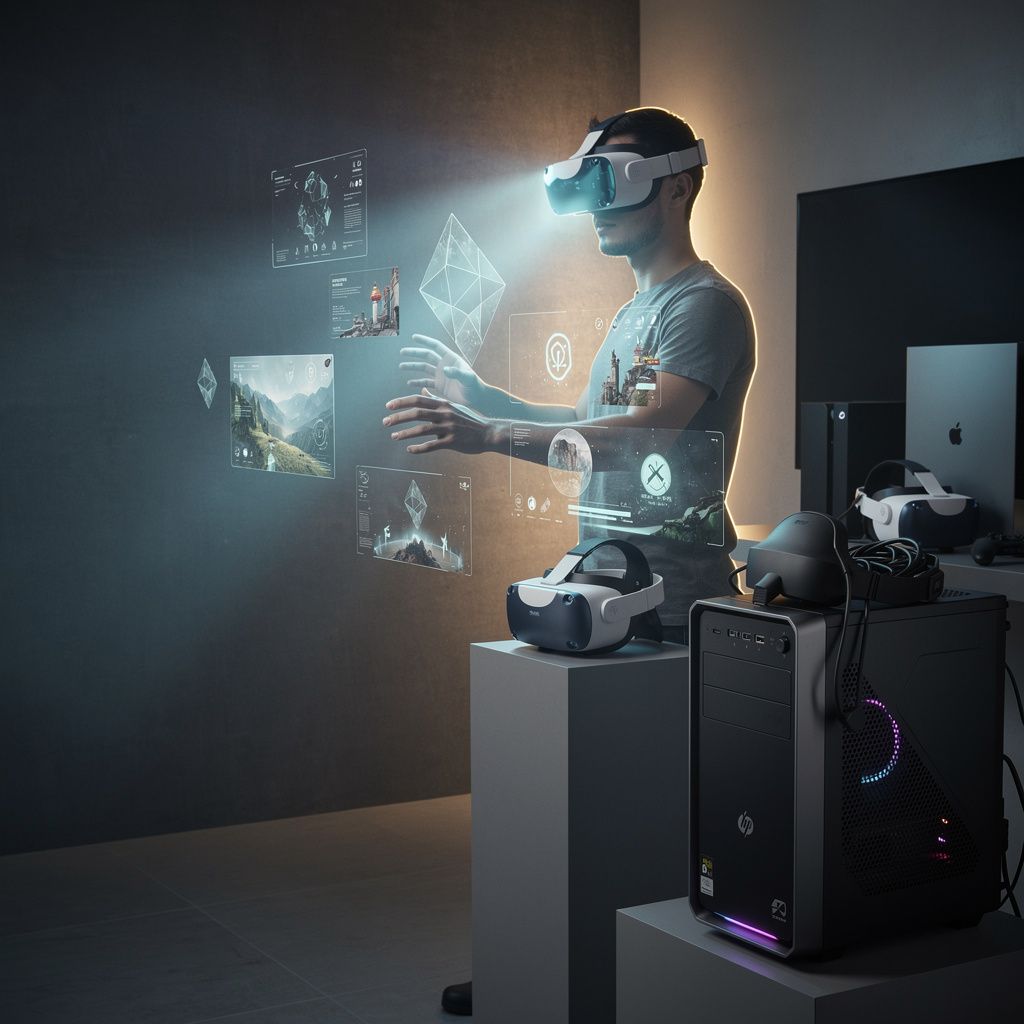
The technical foundation enabling cross-platform VR gaming relies on several interconnected systems: cloud infrastructure for game streaming and save synchronization, standardized APIs that abstract hardware differences, and middleware solutions that translate inputs across different controller types and tracking systems. Understanding these underlying mechanisms helps players make informed decisions about which platforms and hardware combinations best serve their gaming preferences and technical requirements.
Core Benefits and Practical Limitations of Cross-Platform VR Gaming
The primary advantage of cross-platform VR gaming is expanded game library access. A player with a Meta Quest 3 can access titles optimized for that standalone system, while simultaneously maintaining access to PC VR games through streaming or native ports. This flexibility means your game investments aren't locked to a single hardware ecosystem, providing better long-term value as technology evolves and new headsets emerge.
Multiplayer synchronization across platforms enables players on different hardware to participate in shared environments simultaneously. A player on a PlayStation VR2 can compete against someone using a PC-connected HTC Vive, with the game engine handling the technical differences in tracking precision, controller layouts, and display capabilities. This cross-play functionality fundamentally changes how VR communities form and persist.
Progress persistence across platforms represents another significant benefit. Cloud save systems allow you to start a game on your PC VR setup, continue on a standalone headset while traveling, and resume on a console platform at home—all with your character progression, inventory, and achievements intact. This continuity mirrors successful cross-platform implementations in traditional gaming.
However, cross-platform VR gaming faces notable technical limitations. Hardware capability variations create performance disparities: a high-end PC VR system with a GeForce RTX 4090 delivers substantially higher visual fidelity and frame rates than a standalone Meta Quest 3, even when playing the same title. Developers must optimize games to function across this wide performance spectrum, sometimes requiring visual compromises on lower-end hardware.
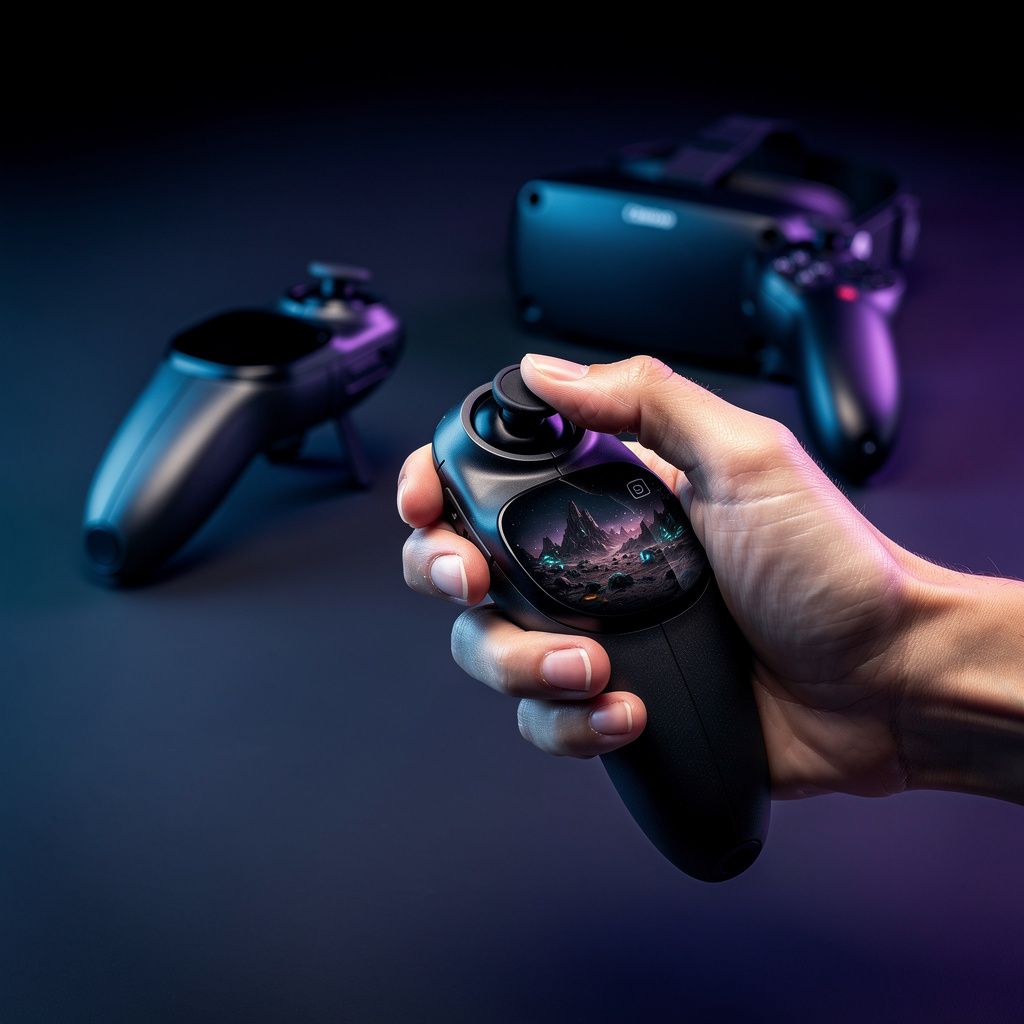
Controller input standardization presents another constraint. Meta Touch controllers, PlayStation VR2 Sense controllers, and HTC Vive wands each have different button layouts, haptic capabilities, and tracking characteristics. Games supporting all three must either implement multiple control schemes or abstract controller inputs to a lowest-common-denominator approach, potentially losing platform-specific features.
Network latency becomes critical for streaming-based cross-platform solutions. A player streaming PC VR games to a standalone headset over home WiFi experiences input lag that directly impacts gameplay precision. Competitive titles requiring sub-20-millisecond response times may not be viable through streaming architectures, limiting which games can effectively support cross-platform play.
Types and Technical Variations in Cross-Platform VR Gaming
Native cross-platform support involves developers building games with multiple target platforms from inception. The game engine—typically Unreal Engine 5 or Unity—abstracts hardware differences through standardized input systems and scalable graphics pipelines. Titles like "Beat Saber" and "Rec Room" exemplify this approach, offering nearly identical experiences across Meta Quest, PC VR, and PlayStation VR platforms.
Cloud streaming-based cross-platform gaming transmits rendered frames from a remote server to your headset, with your controller inputs sent back upstream. This architecture enables playing high-fidelity PC VR games on lower-powered standalone headsets. Services like PlayStation Plus Premium's cloud streaming feature and NVIDIA GeForce Now support this model, though they require robust internet connectivity (minimum 25 Mbps for stable 90 FPS VR gameplay).
Compatibility layers translate games built for one platform to run on another. Proton, developed by Valve, enables many Windows VR games to run natively on Linux-based systems. Similarly, emulation approaches allow older VR titles to function on modern hardware through API translation and performance optimization.
Hybrid approaches combine multiple strategies. A game might run natively on PC VR with full graphics, stream to standalone headsets for portability, and support cross-play multiplayer where players on different platforms interact in shared spaces. This flexibility maximizes audience reach while accommodating hardware diversity.
Current Trends and Technological Innovations in VR Cross-Platform Gaming
5G integration is expanding cross-platform possibilities by reducing streaming latency. With 5G networks delivering sub-20-millisecond latency, cloud-streamed VR games become viable for competitive play. Carriers in South Korea, Japan, and parts of Europe are already testing 5G VR streaming with measurable success in reducing motion sickness and improving responsiveness.
Edge computing distributes processing closer to end-users, reducing the distance data travels and further decreasing latency. Instead of rendering occurring at a distant data center, edge nodes positioned near population centers handle computation, then transmit only the rendered frame to your headset. This architecture particularly benefits streaming-based cross-platform games.
AI-driven upscaling technologies like DLSS 3 and FSR 2 enable lower-powered platforms to display higher visual quality. A standalone headset running a game at native 1832x1920 resolution per eye can use upscaling to achieve visual quality approaching 2560x2560, narrowing the visual gap between high-end and entry-level VR systems.
Cross-platform progression systems are becoming standard. Players accumulate cosmetics, achievements, and character advancement across all platforms they own. This ecosystem approach, similar to how Fortnite handles progression across PC, console, and mobile, encourages players to engage across multiple hardware platforms.
Key Features and Specifications to Evaluate for Cross-Platform VR Gaming
Resolution and refresh rate capabilities determine visual quality and motion smoothness. PC VR headsets like the Valve Index support up to 144 Hz refresh rates, while standalone systems typically max at 90 Hz. Cross-platform games must function smoothly at both extremes, though higher-end platforms deliver noticeably smoother motion perception.
Tracking precision affects gameplay accuracy in action titles. Inside-out tracking (cameras on the headset) versus external base stations (Lighthouse technology) provide different accuracy profiles. Cross-platform games must accommodate both tracking methodologies, sometimes requiring different balance parameters for competitive fairness.
Storage capacity influences which cross-platform titles you can install. Standalone headsets typically offer 128 GB to 512 GB storage, while PC VR systems can leverage multiple terabytes of external storage. Cloud save systems mitigate this limitation by storing game data remotely, though downloading large game files remains necessary for local play.
Internet connectivity requirements vary significantly. Streaming-based cross-platform gaming demands stable 25 to 100 Mbps connections, while native installations only require internet for multiplayer synchronization. Your home network infrastructure directly impacts which cross-platform approaches remain viable.
Haptic feedback sophistication ranges from simple vibration to advanced pressure-sensitive haptics. PlayStation VR2 Sense controllers offer sophisticated haptic feedback that creates immersive tactile sensations. Cross-platform games either implement haptics across all platforms or disable them entirely, resulting in different sensory experiences depending on your hardware.
Industry Landscape and Notable Cross-Platform VR Implementations
Meta's ecosystem prioritizes cross-platform accessibility through their Quest platform. Meta Quest 2 and Quest 3 headsets can stream PC VR games via Air Link, access cloud saves through Meta accounts, and participate in multiplayer experiences with PC VR players. This strategy positions Meta as the primary bridge between standalone and PC VR gaming.
PlayStation VR2 supports cross-platform play with PC VR through specific titles, though Sony has been more selective than Meta in enabling cross-platform functionality. Titles like "Horizon Call of the Mountain" remain PlayStation exclusive, while others support broader cross-platform engagement.
Valve's ecosystem emphasizes PC VR dominance through SteamVR, which supports multiple headset manufacturers through standardized APIs. Steam's cross-platform features enable VR games to synchronize with traditional PC gaming accounts and achievements, creating unified progression systems.
Notable cross-platform titles include "Beat Saber," which functions identically across Meta Quest, PlayStation VR, and PC VR platforms; "Rec Room," offering cross-platform multiplayer with consistent progression; and "The Lab," Valve's free experience available across multiple VR systems. These implementations demonstrate that cross-platform VR gaming is technically achievable and commercially viable.
Selection and Decision-Making Framework for Cross-Platform VR Gaming
Begin by identifying your primary use case. Are you primarily interested in competitive multiplayer experiences, narrative-driven single-player games, social VR applications, or fitness titles? Each category has different cross-platform support levels. Competitive games like "Pavlov" support cross-platform play, while narrative experiences like "Half-Life: Alyx" remain platform-exclusive.
Evaluate your existing hardware ecosystem. If you own a gaming PC with an RTX 3070 or better, PC VR remains the highest-fidelity option. If portability matters, standalone headsets like Meta Quest 3 offer compelling flexibility. If you're invested in PlayStation, VR2 provides excellent integration with your existing console library.
Assess your internet infrastructure. Streaming-based cross-platform gaming requires stable, high-speed connections. If your home network struggles to maintain 50 Mbps consistently, native installations on local hardware become more reliable than streaming approaches.
Consider your budget constraints. Standalone headsets range from approximately $300 to $650, PC VR systems require $400 to $800 for headsets plus $1,500 to $3,000 for capable PC hardware, and PlayStation VR2 costs $550 with a required PlayStation 5 console ($500). Cross-platform gaming doesn't require owning all platforms simultaneously; strategic selection of one or two primary platforms with occasional streaming access often provides optimal value.
Research specific game titles you want to play and their cross-platform support status. Websites like VRGameRankings and Steam VR categories clearly indicate which titles support cross-platform play, streaming, or are platform-exclusive.
Actionable Tips and Practical Best Practices for Cross-Platform VR Gaming
Optimize your network setup for streaming-based cross-platform gaming. Use 5 GHz WiFi bands with minimal interference, position your router centrally, and consider wired connections for primary gaming devices. Network optimization directly impacts streaming quality and reduces motion sickness from input lag.
Maintain consistent controller calibration across platforms. Before switching between headsets, recalibrate controllers and play a short calibration game to ensure tracking consistency. Different platforms use different calibration procedures; spending five minutes on proper setup prevents frustrating control inconsistencies.
Leverage cloud save systems strategically. Enable automatic cloud saves in games supporting this feature, but periodically verify saves are syncing correctly. Some games experience save conflicts when playing simultaneously on multiple platforms; sequential platform switching prevents these issues.
Manage storage efficiently on standalone headsets. Prioritize installing frequently-played cross-platform titles locally, while reserving streaming for occasional or bandwidth-intensive games. This balanced approach maximizes performance while maintaining access to your full game library.
Join cross-platform communities specific to your favorite titles. Discord servers and Reddit communities dedicated to individual games provide platform-specific tips, troubleshooting guidance, and multiplayer matchmaking assistance that improves your cross-platform experience.
Comprehensive Comparison Table: Cross-Platform VR Gaming Platforms
| Platform | Native Resolution | Refresh Rate | Tracking Type | Cross-Platform Support | Price Range |
|---|---|---|---|---|---|
| Meta Quest 3 | 1832 x 1920 per eye | 90 Hz | Inside-out | Extensive via Air Link and native ports | $300 to $650 |
| PlayStation VR2 | 2064 x 2208 per eye | 90 Hz | External tracking | Limited to select titles | $550 plus PS5 console |
| Valve Index | 1440 x 1600 per eye | 144 Hz | Lighthouse base stations | Broad through SteamVR | $999 |
| HTC Vive XR Elite | 1800 x 1920 per eye | 90 Hz | Inside-out with optional base stations | Moderate through SteamVR | $1,400 |
| NVIDIA GeForce NOW VR | Varies by source platform | Up to 120 Hz | Varies by source platform | Extensive through cloud streaming | $9.99 to $19.99 monthly |
Cross-Platform VR Gaming Setup Checklist
- Select your primary VR platform based on use case, budget, and existing hardware ecosystem
- Verify your PC or console meets minimum specifications for your chosen platform
- Test your internet connection speed and stability for streaming-based cross-platform gaming
- Install platform-specific software: SteamVR for PC, Meta Companion App for Quest, or PlayStation Network for VR2
- Create or link your platform accounts to enable cloud saves and cross-platform progression
- Calibrate controllers and tracking systems according to platform-specific instructions
- Install and test one cross-platform title to verify functionality across your setup
- Configure network settings for optimal streaming performance if using cloud-based cross-platform gaming
- Enable automatic cloud saves in game settings to ensure progression syncs across platforms
- Join community groups for your primary games to access platform-specific troubleshooting and tips
Frequently Asked Questions About Cross-Platform VR Gaming
Can I play the same VR game simultaneously on multiple platforms without purchasing it multiple times?
This depends entirely on the publisher's licensing model. Some developers, like Beat Games for Beat Saber, allow a single purchase to unlock the game across multiple platforms through account linking. Others require separate purchases for each platform. Check the specific game's store pages and publisher documentation before assuming cross-platform licensing applies. Many publishers are moving toward unified licensing, but older titles and platform-exclusive games still require separate purchases.
What internet speed is required for streaming-based cross-platform VR gaming?
Minimum 25 Mbps is required for stable 90 FPS VR streaming at reasonable visual quality, though 50 Mbps or higher is strongly recommended for 4K resolution or higher refresh rates. VR is particularly sensitive to latency and packet loss, so connection stability matters more than raw speed. A stable 30 Mbps connection often outperforms an unstable 100 Mbps connection for VR streaming purposes. Test your connection's consistency by streaming for 30 minutes and monitoring for frame drops or stuttering.
Do cross-platform VR games have competitive balance issues between different hardware platforms?
Yes, hardware differences can create competitive imbalances. PC VR systems with 144 Hz refresh rates provide smoother motion perception than 90 Hz standalone headsets, potentially offering advantages in fast-paced competitive games. Developers address this through input lag compensation, consistent physics simulation across platforms, and sometimes separate competitive rankings for different hardware categories. Read reviews and community feedback about specific competitive titles to understand platform-specific balance issues before investing.
Can I use the same VR game saves across different headsets from different manufacturers?
Only if the game implements cross-platform cloud saves through its own backend system or a unified platform like Steam. A game purchased through Steam can sync saves across different VR headsets connected to the same Steam account, but a game exclusive to Meta's ecosystem won't transfer saves to PlayStation VR2. Check each game's documentation or publisher website to confirm cross-platform save support before switching hardware.
What causes motion sickness more frequently in cross-platform VR gaming?
Input latency from streaming-based cross-platform gaming is the primary culprit. When your controller movements don't translate to on-screen movement within approximately 20 milliseconds, your brain detects the disconnect, triggering motion sickness. Streaming over WiFi can introduce 50 to 100+ milliseconds of latency, significantly increasing sickness risk. Wired network connections, local hardware gaming, and 5G streaming substantially reduce this risk. If you experience motion sickness when streaming, switch to native installations on local hardware.
Conclusion and Actionable Key Takeaways
Cross-platform VR gaming is fundamentally transforming how players access and enjoy virtual reality experiences. Rather than being confined to single hardware ecosystems, modern VR platforms increasingly support interconnected experiences with synchronized progression, cross-play multiplayer, and flexible hardware options.
Your immediate action steps should focus on identifying your primary use case and existing hardware, then strategically selecting one or two complementary VR platforms that align with your gaming preferences and budget constraints. Research specific titles you want to play and verify their cross-platform support status before making hardware investments.
Optimize your technical setup by ensuring stable internet connectivity, properly calibrating tracking systems, and enabling cloud saves to maximize the benefits of cross-platform gaming. Join platform-specific communities to access troubleshooting guidance and discover which cross-platform titles offer the best experiences on your chosen hardware.
As 5G networks expand and edge computing infrastructure matures, cross-platform VR gaming will become increasingly seamless. Early adoption of cross-platform strategies positions you to benefit from these technological improvements while building a flexible VR gaming setup that adapts to evolving hardware and software landscapes.